This section is under construction
How to format a TG caption
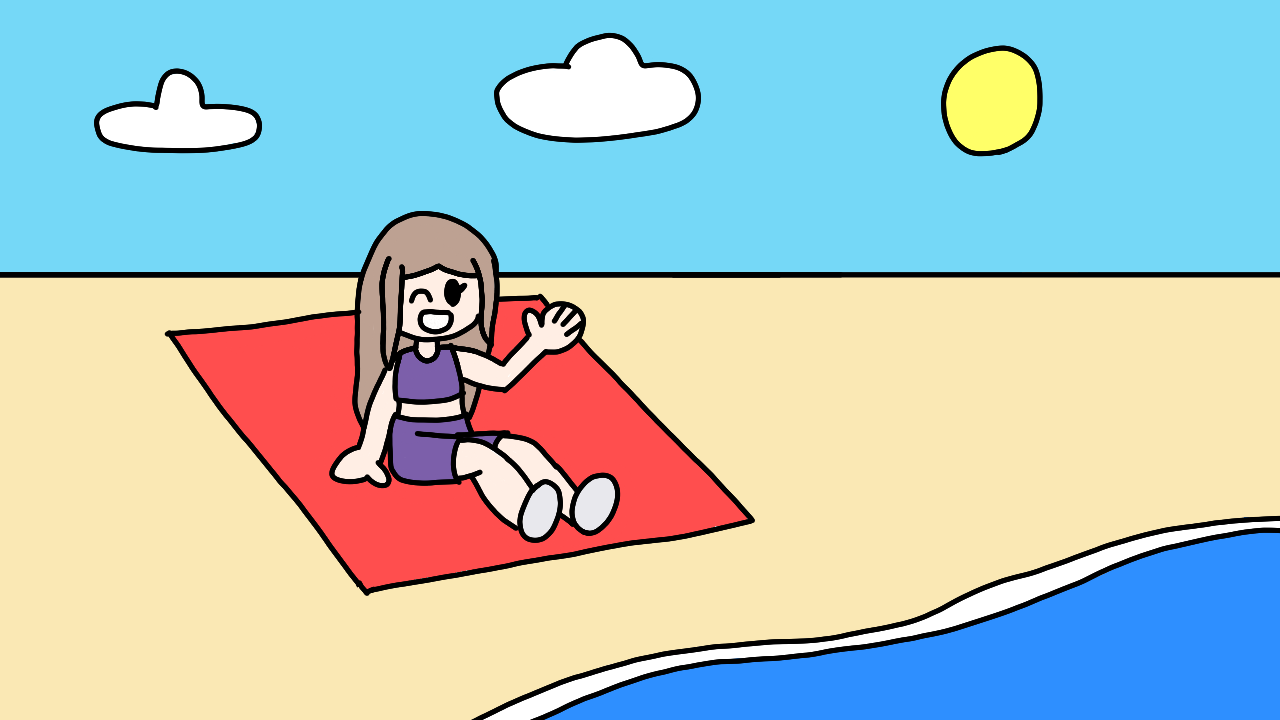
Welcome! In this guide, I'll explain how to properly format a TG caption or similar. If you want to see a guide on how to write the stories in them, you should check How to write a TG caption or similar.
Return home
Select a theme

This theme selector was possible with help from Fossheim's theme selector tutorial.
JavaScript is necessary for the theme switcher to work.
The guide
Which program should I use for caption making?
You can use any image editing program that allows you to add text, but ideally, you should be able to edit that text later if you feel like changing the format or writing later. I use Canva, but any other program should work just fine.
Make it readable!
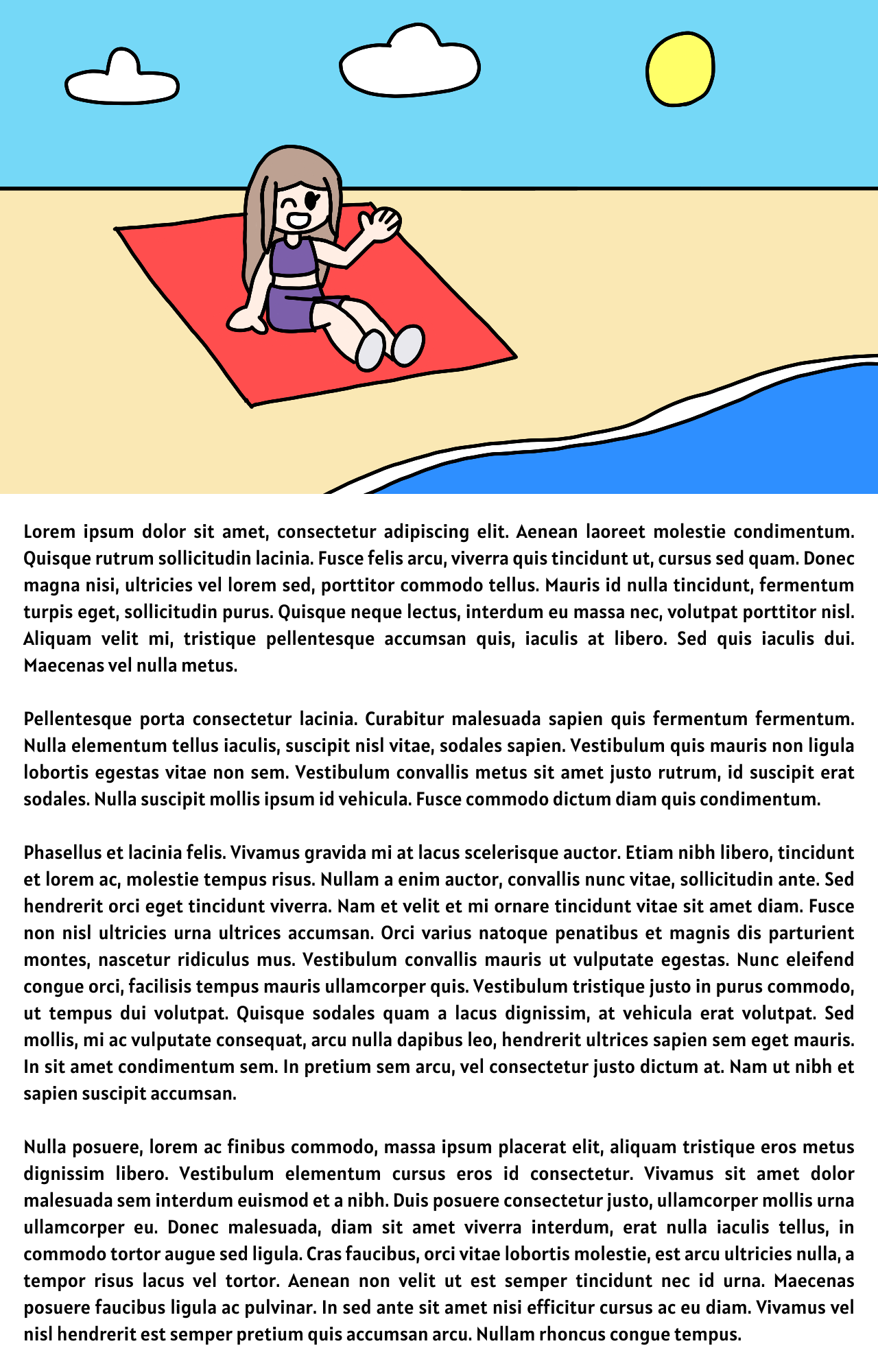
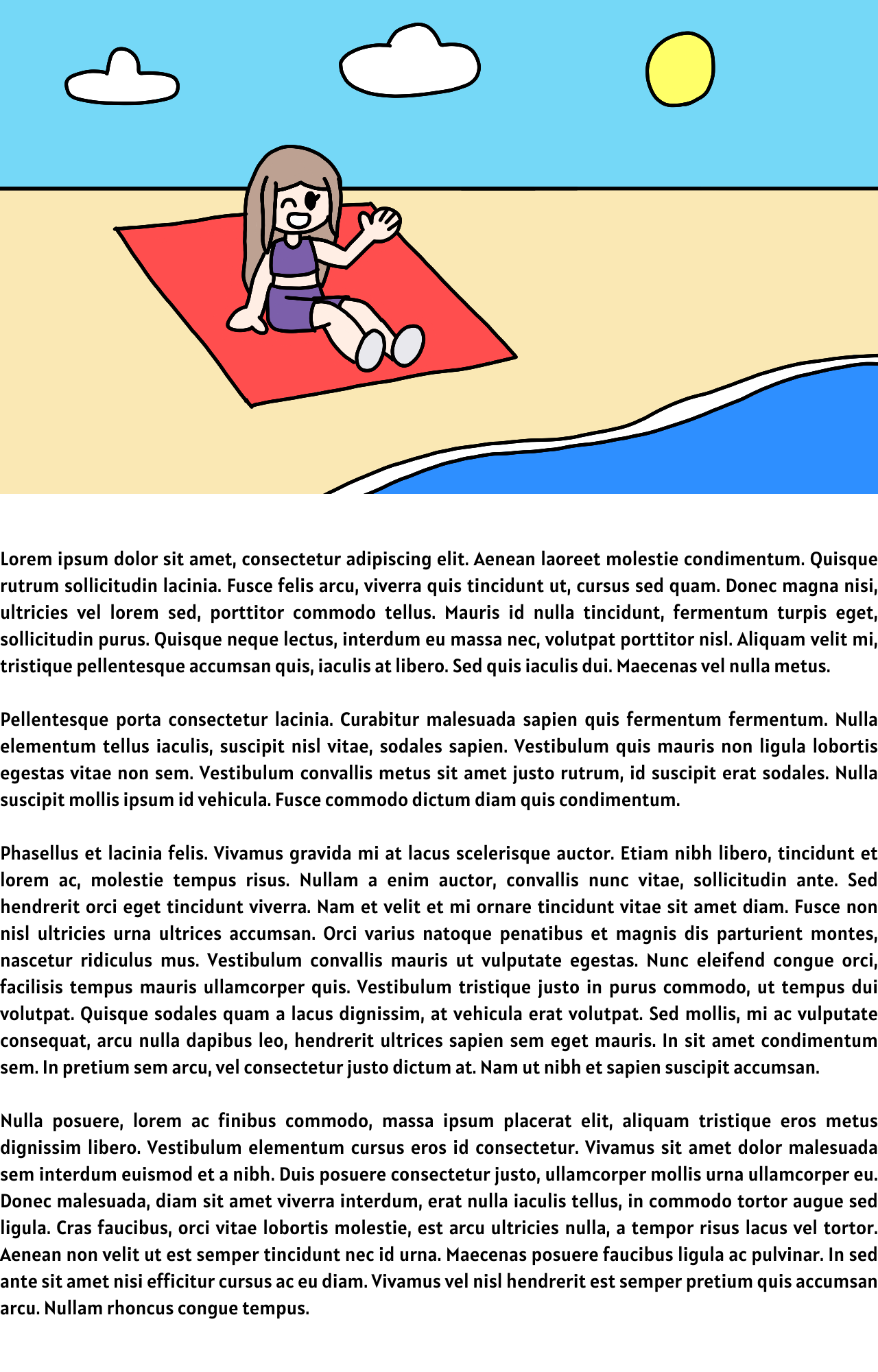
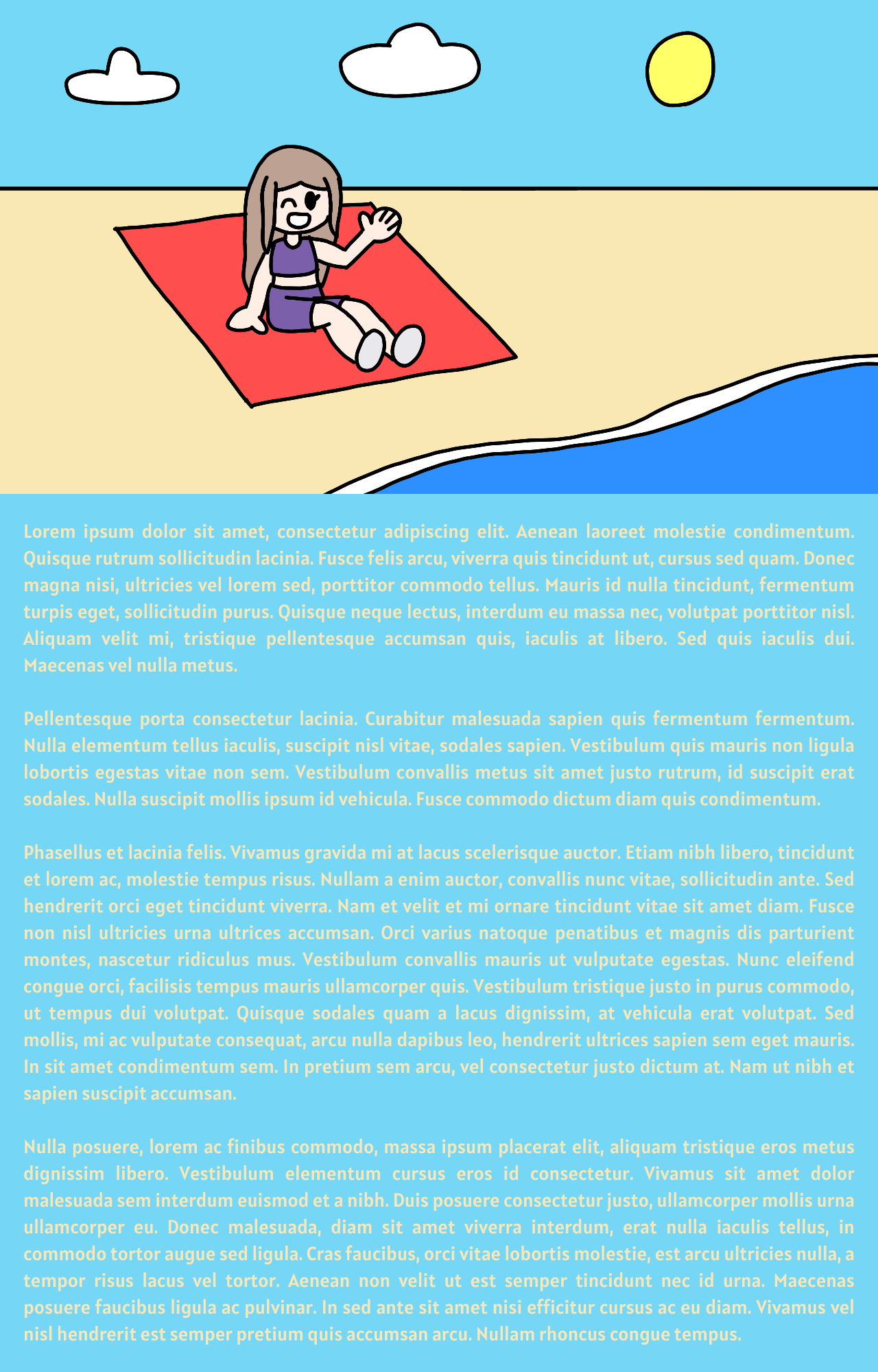
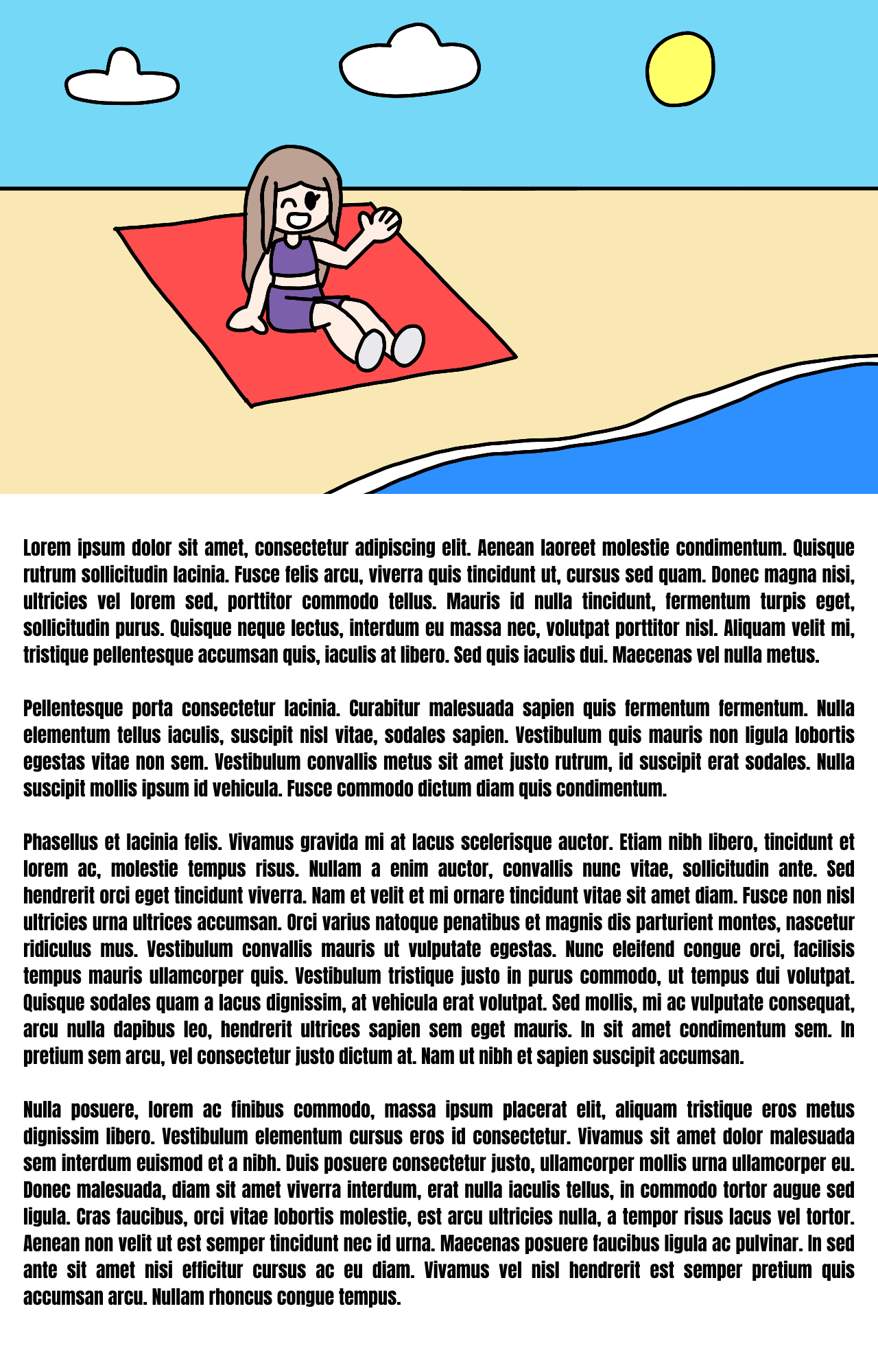
Captions should be readable, in other words, when you see the picture, the text should be easy to read.
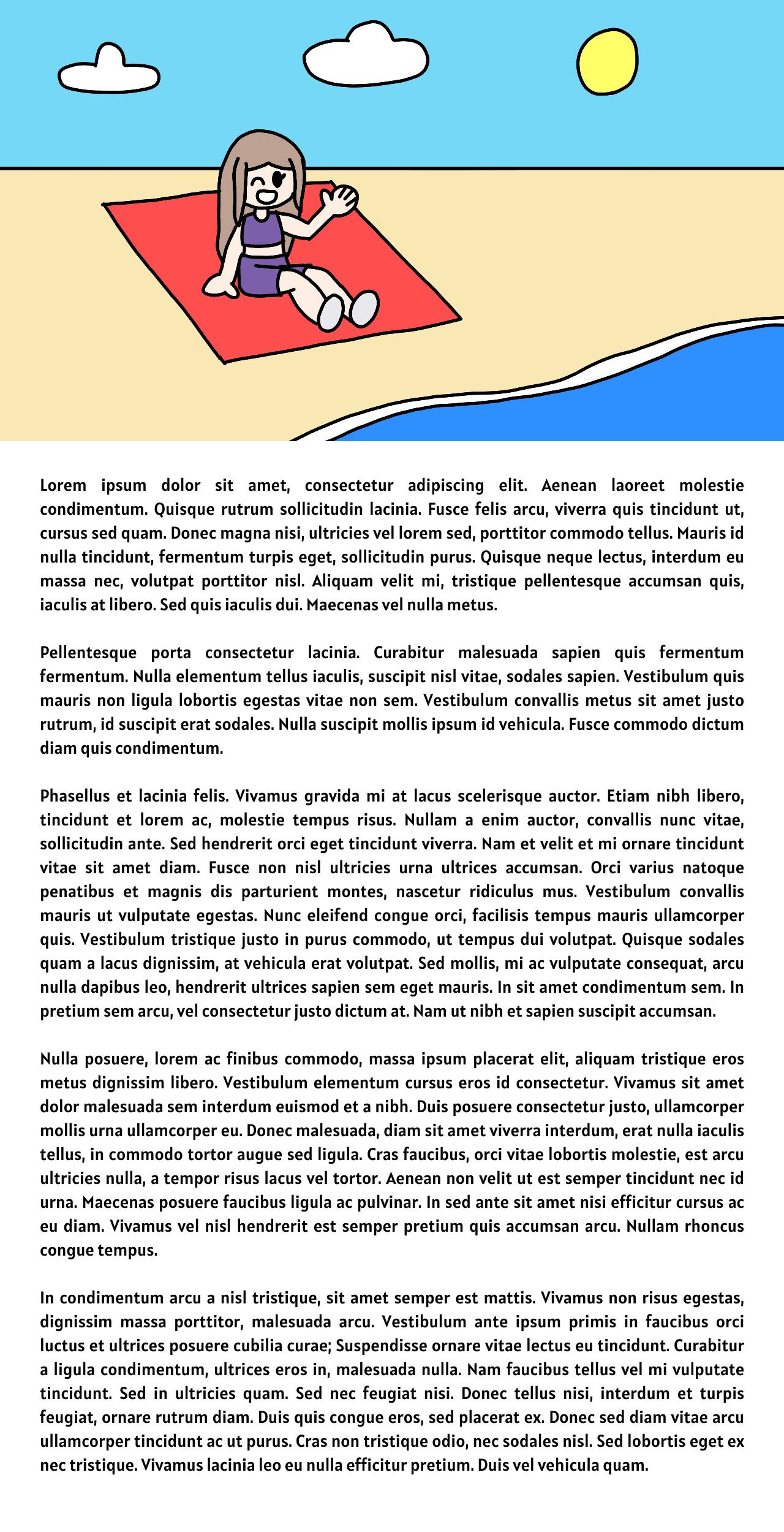
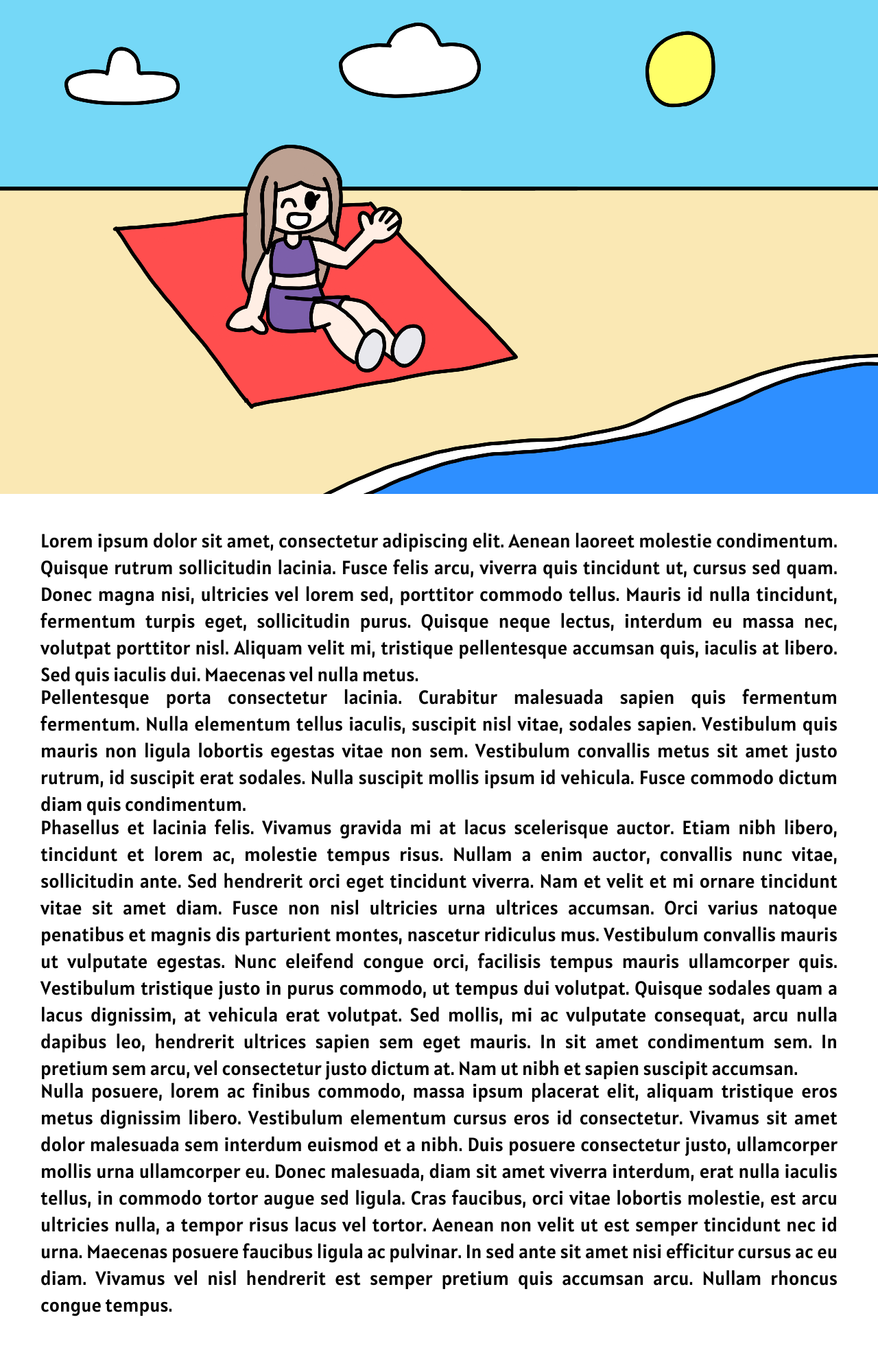
This one is a little long, so I'll use a shorter version for demonstration purposes.
Example captions